Rectify

Occupational health care
Book occupational health care digitally — confidential for the employee.
Read more%20--%3e%3cdefs%3e%3cstyle%3e%20.st0%20{%20fill:%20%23f1f047;%20}%20.st1%20{%20fill:%20%23364834;%20}%20%3c/style%3e%3c/defs%3e%3cg%3e%3cpath%20class='st0'%20d='M285.75,0c.36,1.19,1.58.6,3.08.7,133.78,8.91,241.57,116.67,250.47,250.48.1,1.49-.49,2.71.7,3.07v32.25c-.99.14-.62,1.06-.7,2.32-8.89,133.78-116.64,241.56-250.48,250.48-1.48.1-2.71-.49-3.07.7h-32.25c-.14-.99-1.06-.62-2.3-.7C117.37,530.4,9.59,422.61.7,288.82c-.08-1.26.28-2.17-.7-2.32v-33C5.22,185.58,33.62,122.51,83.33,74.91,130.17,30.06,190.18,4.71,254.25,0h31.5ZM232.82,299.57l-.18-31.81c-.04-7.15-5.11-11.85-12.18-11.52-4.33.2-8.28,1.64-10.56,5.51-1.19,2.02-.63,4.77-3.42,6.4,1.16-9.15,1.89-17.81,1.51-26.86l-17.34-.09-.04,58.5,17.39-.08.31-19.15c.07-4.52,2.3-11.37,6.28-9.52.8.37,1.44,1.54,1.46,2.81l.25,25.92,16.51-.11ZM301.5,241.29h-16.5v58.51h16.5v-58.51ZM264.29,282.47c-1.88,1.94-4.09,3.25-6.57,2.51-1.89-.56-4.26-1.57-4.36-4.55l27.12-.13c1.14-9.01-.84-19.03-10.35-22.28-6.98-2.38-14.82-2.56-21.59.44-8.4,3.73-12.11,12.23-11.92,21.05.23,10.15,6.12,18.82,16.31,21.01,10.88,2.34,25.21-1.23,27.04-13.95-5.6-1.31-10.47-3.59-15.7-4.12ZM350.65,278.76c0-12.6-10.21-22.81-22.81-22.81s-22.81,10.21-22.81,22.81,10.21,22.81,22.81,22.81,22.81-10.21,22.81-22.81Z'/%3e%3cg%3e%3cpath%20class='st1'%20d='M232.82,299.57l-16.51.11-.25-25.92c-.01-1.27-.65-2.44-1.46-2.81-3.98-1.85-6.21,5.01-6.28,9.52l-.31,19.15-17.39.08.04-58.5,17.34.09c.38,9.06-.35,17.71-1.51,26.86,2.79-1.63,2.23-4.39,3.42-6.4,2.28-3.86,6.23-5.31,10.56-5.51,7.07-.33,12.14,4.37,12.18,11.52l.18,31.81Z'/%3e%3crect%20class='st1'%20x='285'%20y='241.29'%20width='16.5'%20height='58.51'/%3e%3cg%3e%3cpath%20class='st1'%20d='M350.65,278.76c0,12.6-10.21,22.81-22.81,22.81s-22.81-10.21-22.81-22.81,10.21-22.81,22.81-22.81,22.81,10.21,22.81,22.81ZM333.99,278.77c0-3.4-2.76-6.16-6.16-6.16s-6.16,2.76-6.16,6.16,2.76,6.16,6.16,6.16,6.16-2.76,6.16-6.16Z'/%3e%3ccircle%20class='st0'%20cx='327.83'%20cy='278.77'%20r='6.16'/%3e%3c/g%3e%3cg%3e%3cpath%20class='st1'%20d='M264.29,282.47c5.22.53,10.1,2.81,15.7,4.12-1.83,12.72-16.16,16.29-27.04,13.95-10.19-2.2-16.09-10.86-16.31-21.01-.2-8.82,3.52-17.32,11.92-21.05,6.76-3.01,14.6-2.83,21.59-.44,9.51,3.25,11.49,13.26,10.35,22.28l-27.12.13c.09,2.97,2.47,3.98,4.36,4.55,2.49.74,4.69-.57,6.57-2.51ZM263.93,274.85c-3.14-3.29-7.43-2.52-9.78.22,3.67.36,6.59.7,9.78-.22Z'/%3e%3cpath%20class='st0'%20d='M263.93,274.85c-3.19.92-6.11.58-9.78.22,2.36-2.74,6.64-3.51,9.78-.22Z'/%3e%3c/g%3e%3c/g%3e%3c/g%3e%3c/svg%3e) Helo Hälsa
Helo HälsaSupportive conversations, rehabilitation conversations and follow-ups need to be documented — but not circulated. Personnel notes gather the documentation in one place, with an access level per note so that sensitive information stays with the right people.

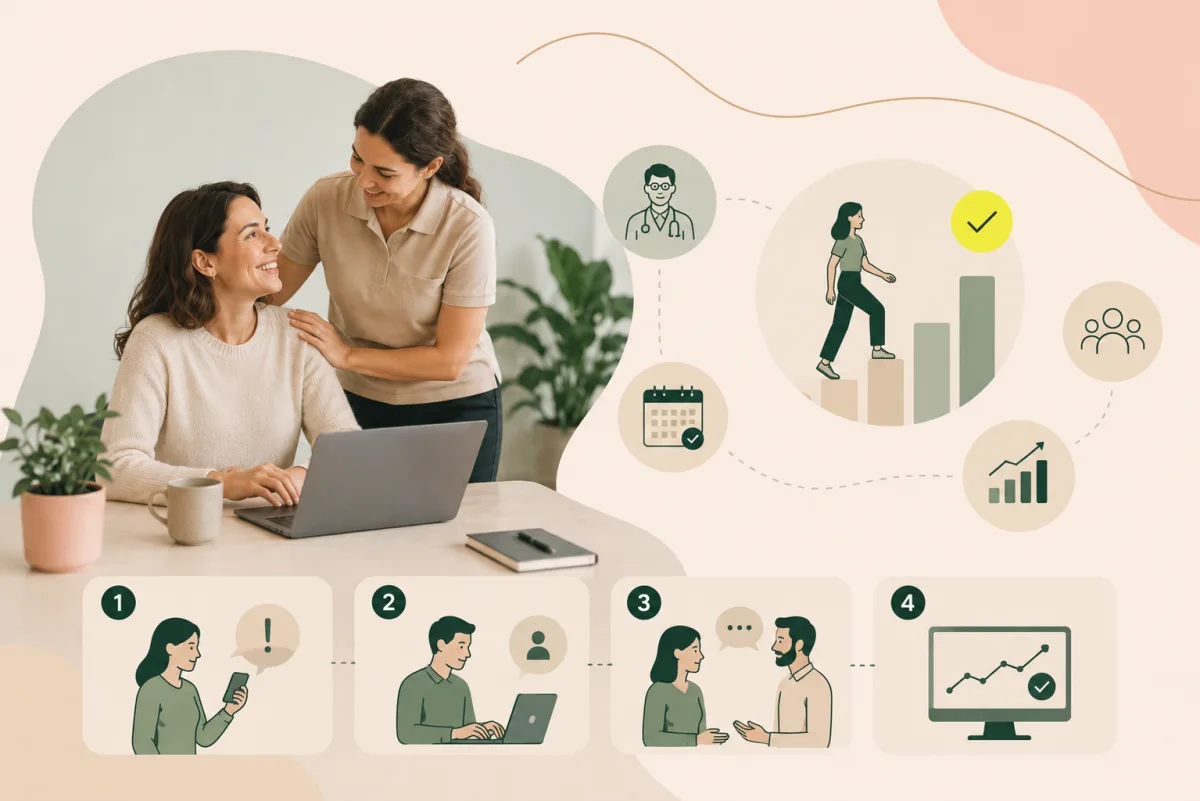
Choose the type — rehabilitation conversation, supportive conversation, follow-up or praise — and document it right after the conversation.
Decide who should see it: HR only, manager and HR, or everyone with access.
The note is saved against the employee and the date, searchable by those with access.
The history is ready for the next conversation, or when a rehabilitation case is opened.
When a manager changes, the documentation stays with the organisation instead of disappearing.
The access level is set per note, so health information is not spread more widely than necessary.
In rehabilitation cases and follow-ups, earlier conversations are to hand instead of being reconstructed from memory.
Personnel notes sit in the Rectify module, alongside rehabilitation and occupational health care. The notes are tied to the employee and become part of the evidence in the rehabilitation workflow.
About the Health Portal →That is decided per note. The levels are HR only, Manager + HR, or everyone with access — so that a sensitive rehabilitation note is not handled the same way as praise after a successful project.
Rehabilitation conversations, supportive conversations for repeated short-term absence, follow-ups and one-to-ones, and praise for good work.
A conversation held when an employee does not seem to be doing well at work, at repeated short-term absence, or on a regular basis as part of systematic work environment management.
Information relating to health requires particular care under the GDPR. The access levels exist precisely so that documentation can be kept to those who need it for their work.
Personnel notes are part of the Health Portal and are available when you use the platform.
Book occupational health care digitally — confidential for the employee.
Read moreStructured rehabilitation workflows that get employees back sooner.
Read moreDashboards, reporting and planning — a basis for decisions in real time.
Read moreBook a free demo and we will show you the Health Portal live and go through how the Analyse module would work for your organisation.
Book a demo →